Simple Fixes for Common RV Power and Lighting Issues
Confidence Starts With the Basics
Few things disrupt an evening at camp faster than flipping a switch only to be met with total darkness. When power seems to vanish without warning, it is easy to feel a wave of frustration. For many travelers, RV electrical systems feel complex and intimidating, bringing up worries of missed travel days or long delays at a distant service bay.
The good news is that many common power and lighting quirks have incredibly straightforward explanations. Modern coaches rely on a flexible mix of battery power, shore power, and internal controls to deliver the comforts of home on the open road. Because these systems are designed to adapt to different camping environments, an unexpected change in behavior is often a sign that the system is actively protecting itself. It rarely means something is completely broken. By understanding a few basic checks, you can confidently determine whether an issue requires professional diagnostics or simply a quick manual adjustment.
Demystifying Interior and Master Zones
Imagine walking into your coach and discovering that the overhead lights in the bedroom refuse to turn on, yet the kitchen fixtures right next to them work perfectly. Before assuming a broken connection or a dead bulb, consider how modern interior lighting is managed.
To maximize usability, your lighting is grouped into distinct zones, which are often labeled on your panel as a "Front Master" or "Rear Master". When you tap one of these master buttons, the system smartly recalls your last settings. It will only illuminate the specific lights within that group that were active before, returning them precisely to their previous brightness levels. Any lights that were manually turned off beforehand will remain off when you hit the master switch. If an area seems dark, it is surprisingly common to find that a light was previously turned off or simply dialed down to zero percent brightness. If you want to bypass the memory settings entirely, simply press and hold the zone master button for more than one second. This overrides the memory and commands all lights in that group to turn on at full brightness.
A similar logic applies to your exterior patio, awning, or accent lights. If these features become unresponsive, your coach may be executing an automated safety protocol. For example, many configurations automatically disable exterior lighting circuits while the RV is actively in transit to prevent dangerous highway distractions. To clear these temporary safety lockouts, ensure your vehicle is fully parked and stabilized. Verify that the system has stable power and an adequate battery charge before you attempt to cycle the power switch back on.
Navigating the Split Power Grid
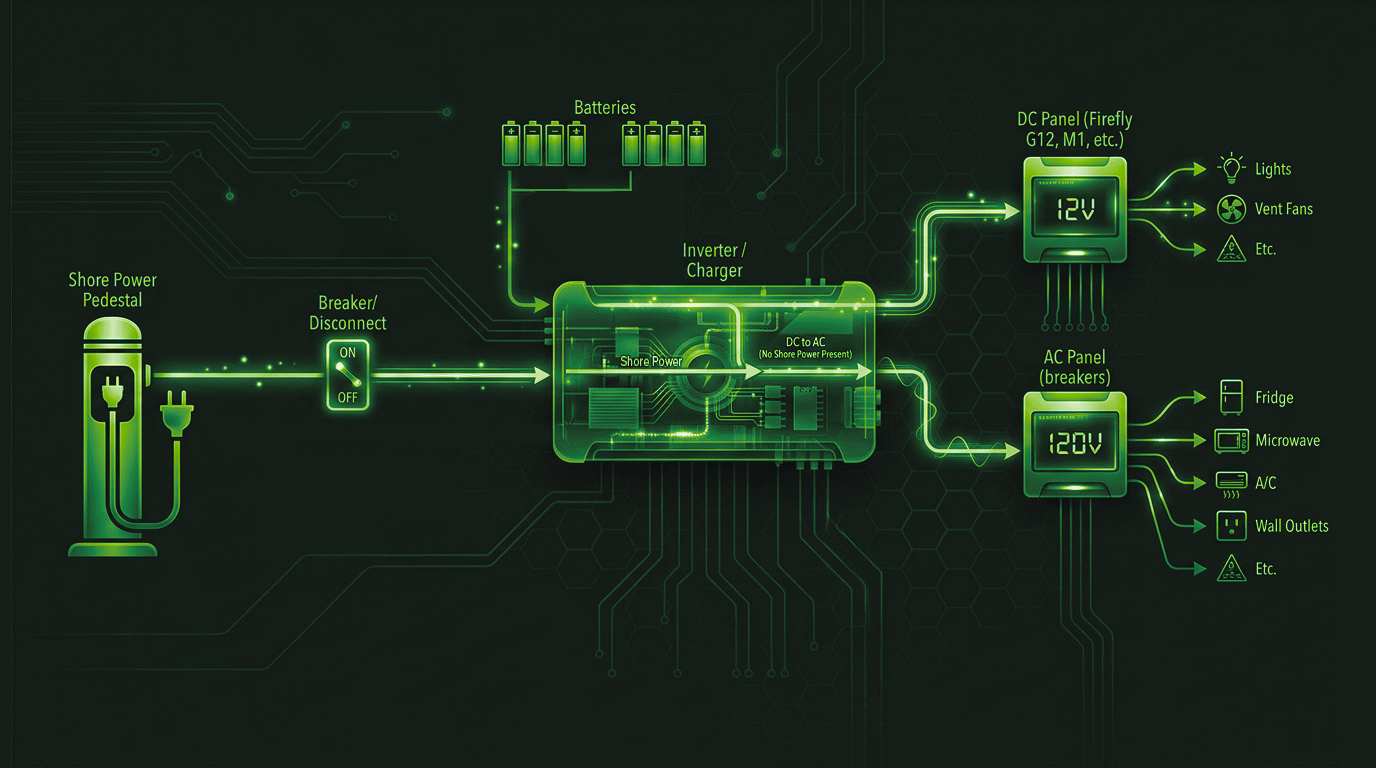
Another common source of confusion is when your appliances and wall outlets have steady power, but your lights are completely dead. The reverse scenario can also happen. This division is a natural result of how an RV splits its workload between two different power sources.
In typical RV design, heavy-duty wall outlets depend directly on 120V AC shore power or a generator, while the vast majority of your interior lighting runs on 12V DC battery power. If you experience a split where only one side of the system is operational, verify your primary sources. Make sure your shore power cord is fully plugged in at the campground pedestal and that the pedestal breaker hasn't tripped. Next, check the main 120V breakers inside your RV electrical panel to ensure nothing has tripped internally. This uneven power behavior is particularly common during the first trip of the season, right after moving a coach out of winter storage.
Flickering and Unintentional Dimming
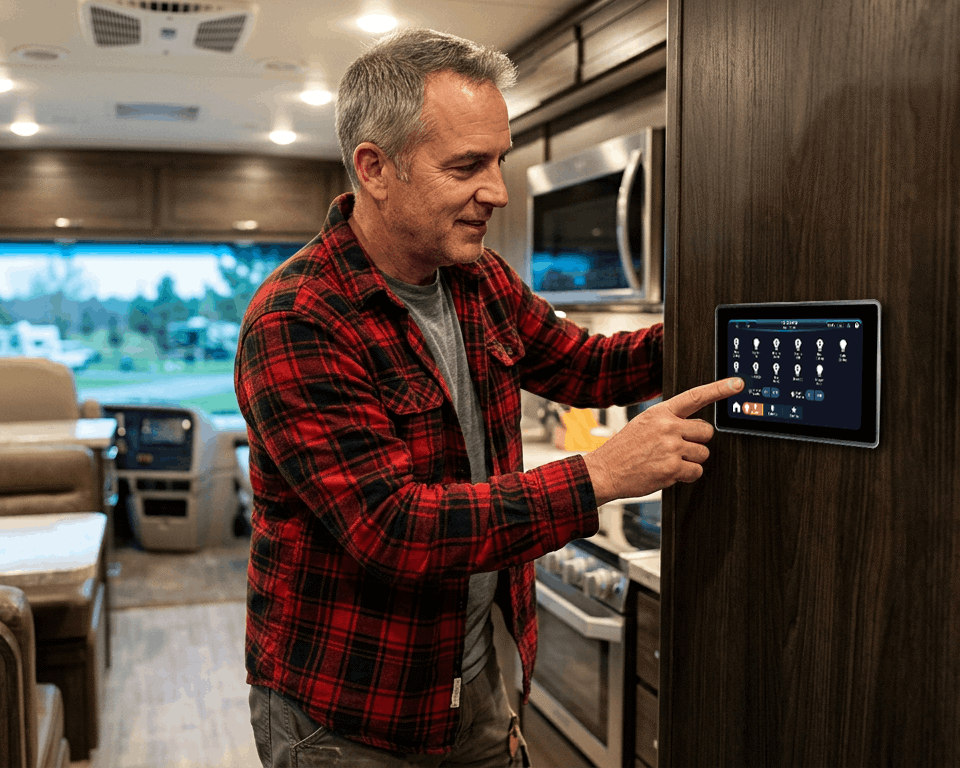
When diagnosing a flickering, dimming, or dead light, checking the bulb is always a great first diagnostic step, and we highly encourage it. However, if a fresh bulb fails to solve the issue and the flickering continues, it is usually a clear indicator of a loose physical wire somewhere in the coach. In our experience, an inconsistent connection is most often caused by a loose ground wire. To resolve this, locate your primary Firefly control panels, battery terminals, and distribution modules. Ensure that all power and ground wires are securely fastened to their terminals, making sure to follow all recommended factory torque specifications to maintain a solid connection.
If your physical wiring connections are perfectly secure but a system component still feels stuck or unresponsive, the most effective tool at your disposal is a classic manual reset. Just like a smartphone or a home computer, smart coach systems benefit from a clean, fresh start after long periods of winter storage, heavy highway travel, or abrupt shore power transitions. Turn the breaker or switch for the affected circuit completely off, wait 10 to 15 seconds for the modules to fully power down, and switch it back on. Taking a few minutes to walk through these basic, logical steps ensures you can travel with absolute confidence, fewer service interruptions, and a smoother overall experience on the open road.